
Music visualizers · iPhone & iPad
Music visualizers,
back where they were.
Drawn live from the track that is playing, full screen, swapped mid-song without stopping the music.
A set of visualizers is free. There is a three-day window to try the others.
- Full screennot a corner widget
- Liveoff the audio, not a loop
- 60 fpson the phone, offline
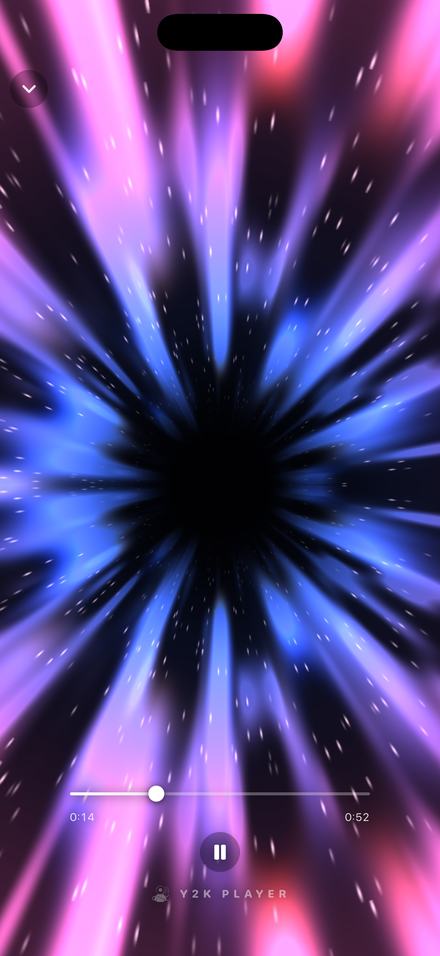
What a music visualizer actually does
It reads the audio while it plays and draws from it, so what is on screen is a picture of the song rather than a video that happens to be running next to it.
The distinction matters because most things called a visualizer today are neither. A looping background is a video file; it does the same thing on every track and it does the same thing during the silence. A waveform strip is a drawing of the whole file made once, before playback started. Neither is listening.
What is here is the older idea, the one that was in every desktop player around the turn of the century: the audio is analysed continuously as it plays — the low end, the mids, the highs, and the moment a kick lands — and every scene is drawn from those numbers, frame by frame. Slow the song down and the scene slows with it. Boost the bass and the scene moves harder. Pause and it settles rather than freezing on a frame.
Why they disappeared
They did not stop being good. Playback moved to streaming apps, streaming apps are catalogues first, and a catalogue has no reason to spend a phone’s GPU on the song you already chose. The visualizer was never replaced by something better; it was replaced by a recommendation shelf. Every scene on this page is original work, written for this app — what came back is the idea, not anybody else’s implementation of it.
Putting one on the screen
Under a minute, and none of it is setup.
- Get a song inImport an audio file, or share one into Y2K Player from wherever it lives. The visualizer draws from whatever is playing, so it needs a track before it has anything to react to.
- Open the playerTap the song. The visualizer sits behind the artwork and the controls by default, already moving with the music.
- Pick a lookTap the visualizer button to open the picker. Every scene is listed with its own thumbnail, and choosing one swaps it instantly — the song does not stop and does not restart.
- Go full screenTap the artwork and the controls fade out, leaving the scene edge to edge. Tap again to bring them back.
- Leave it where you like itThe choice is remembered, so the next song opens in the scene you were last in rather than resetting to a default.
The scenes
Every one of these is running live off the audio in the picture. Tap through them mid-song; nothing has to load.
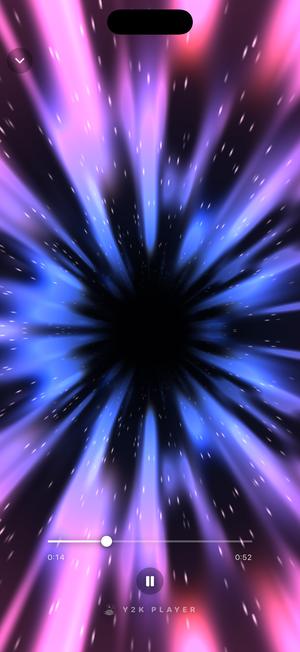
Freefall 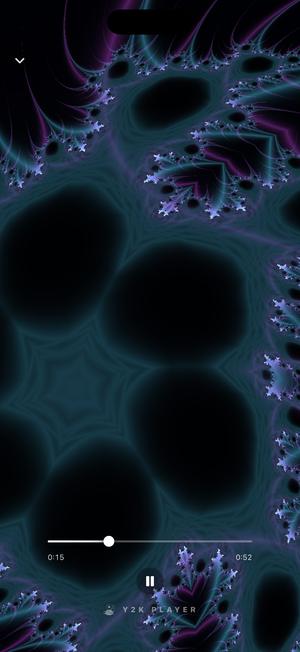
Infinity 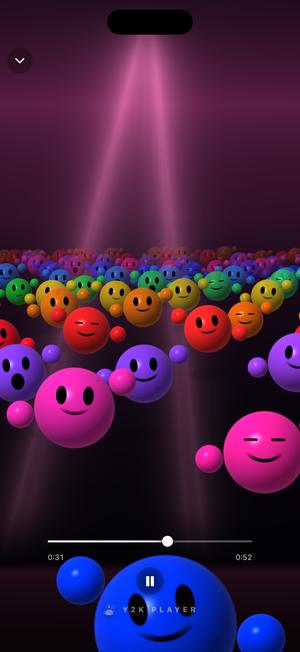
Crowd 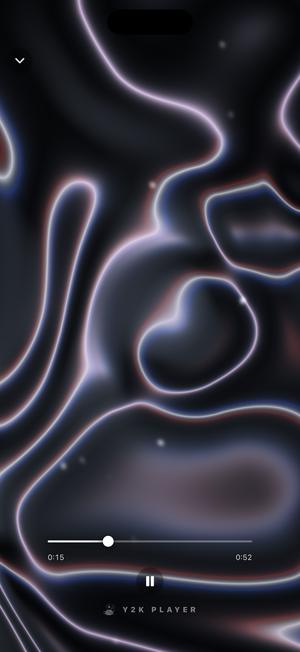
Storm 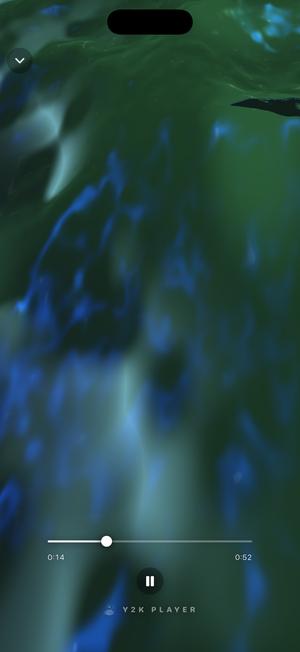
Swell 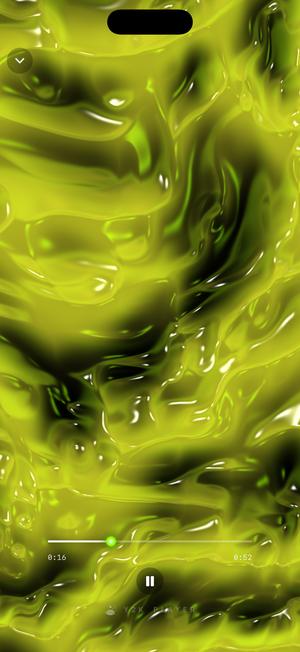
Gloss 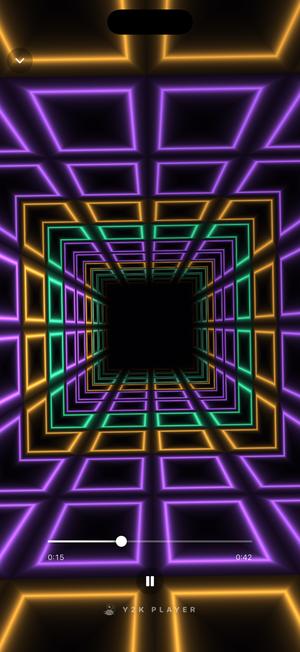
Hyperdrive 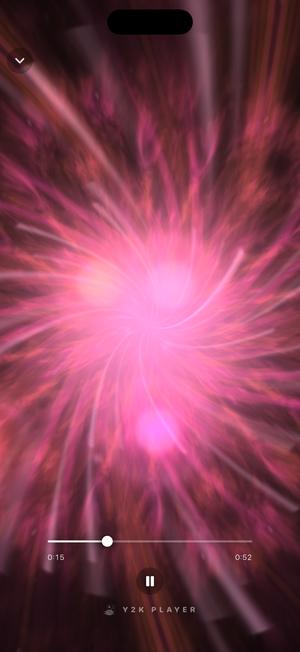
Dreamscape 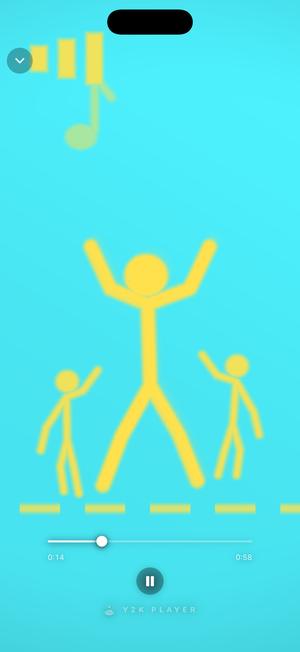
Boogie 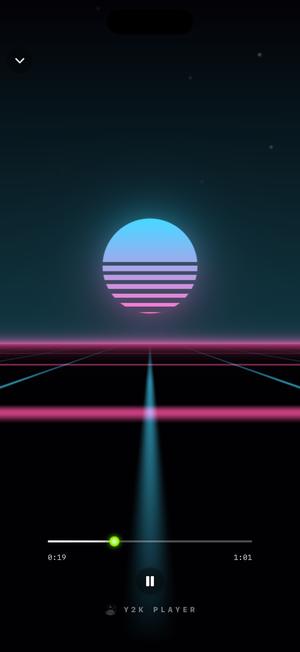
Nightdrive 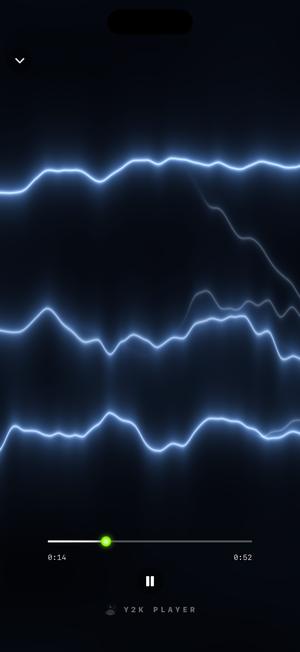
Voltage 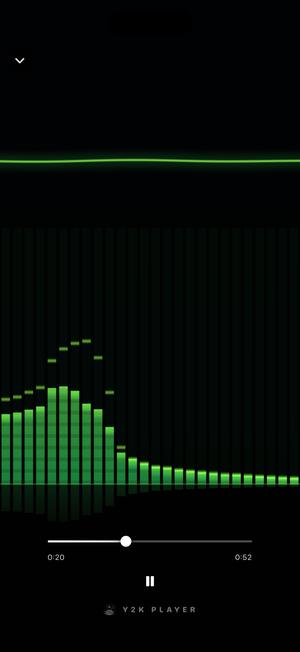
Spectra
Changing it mid-song
The picker is a grid of live thumbnails, not a list of names. Choosing is looking.
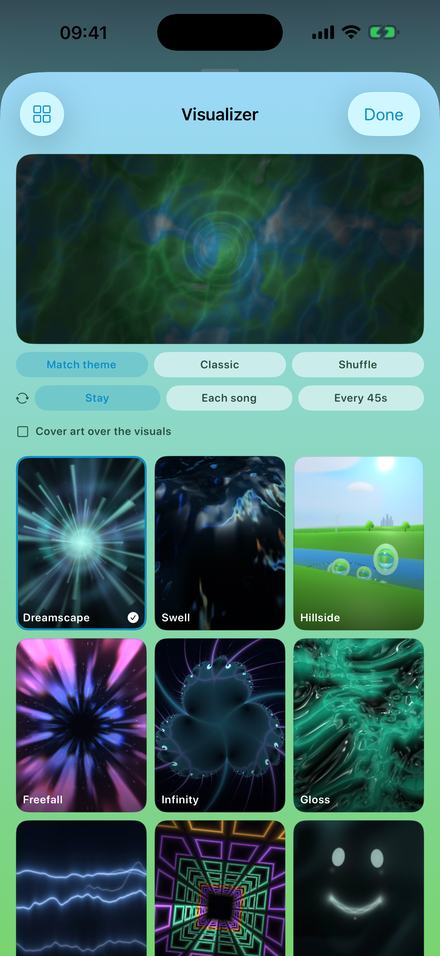
A grid, and a switch that follows your theme
Every scene has its own thumbnail in the picker, so you pick by looking rather than by reading a name you have not seen before. Tapping one swaps the scene under the music immediately — no reload, no gap, no restart.
Match theme is the other way to use it. Leave it on and the scene recolours itself to whatever theme the app is wearing, so a pink app gets a pink scene. Turn it off and each scene keeps the palette it was designed in.
The choice is per-app rather than per-song, so you are picking a mood to listen in rather than decorating one track.
Full screen, and what that is actually for
Tap the artwork and everything else fades: no controls, no title, no progress bar, just the scene running edge to edge until you touch the screen again. It is the state the whole feature is built around rather than a hidden extra.
Three things people actually do with it. A phone propped against something at a desk or a party becomes a small light source that happens to be reacting to the room’s music. Plugged into a television by cable, the scene fills the television instead. And on its own, face up, it is the reason to keep a song on rather than skipping it — which is the argument for visualizers that never needed making in 2003.
It costs nothing to run offline, because there is nothing to fetch: the scenes are drawn on the device by its own graphics hardware, from audio that is already there.
The visualizer is not in the video export
Worth saying plainly, because it is the single most common wrong assumption about this app.
Visualizers run on screen while you listen. They are not filmed into an exported video. A video export puts your artwork on screen — centred over a blurred copy of itself, over a colour, or filling the frame — and writes your version of the song underneath it. If you want the background to move, the cover accepts an animated GIF or a short clip that loops instead of a still.
The video page covers that export properly, including which shape to use where.
Before you install anything
- A set of visualizers is free and stays free. The rest are part of Pro, with a three-day window to try them, and the app tells you when the window opens rather than after it closes.
- The effect rack is not in that window. Reverb, EQ and the rest are Pro from the start. Tempo and pitch are free on every track.
- They are not rendered into video exports. The export shows your artwork. If a moving background is what you want, use a GIF or a short clip as the cover.
- They need a song that is already on your phone. There is no catalogue here and no streaming account to connect — you bring the files.
- Every scene is original work. Nothing here is a port of a desktop plugin or a recreation of another player’s look.
Questions about the visualizers
The ones worth answering before you install rather than after.
Do the visualizers actually react to the music?
Yes. The audio is analysed while it plays — low end, mids, highs and beat detection — and every frame is drawn from those numbers. Play silence and the scene settles; drop the bass in and it moves harder. Nothing on screen is a pre-rendered loop.
Can I change the visualizer while a song is playing?
Yes, and that is the normal way to use it. The picker opens over the playing track and tapping a scene swaps it immediately. The music does not stop, restart or gap.
Does it work offline?
Completely. The scenes are drawn on the device from audio that is already on the device. Airplane mode changes nothing about any of it.
Can I put the visualizer in an exported video?
No. Visualizers run on screen while you listen; a video export shows your artwork instead. If you want the background to move, set an animated GIF or a short video clip as the cover and it loops under the whole song.
How many are free?
A set of them is free permanently, including the one the app opens in. The rest are part of Pro, and there is a three-day window to try those before you decide anything.
Will it drain the battery?
It is real-time graphics, so it costs more than a static screen — roughly what a game costs. Lock the phone and playback carries on with the drawing stopped, which is what most people do once the song is going.
Can it follow my theme?
Yes. Match theme in the picker recolours the scene to whatever theme the app is wearing. Switch it off and each scene keeps its own palette.
Are these ports of the old desktop visualizers?
No. Every scene here is original work, written for this app and drawn by its own code. What came back is the idea — a picture of the song, drawn while it plays — not anybody else’s implementation of it.
Does it work on iPad?
Yes, laid out for the larger screen rather than stretched to it, and it runs on Macs with Apple silicon as well.
Can I use my own image instead?
Not as a visualizer — the scenes are drawn, not played back. You can use your own image as the artwork behind the player, and as the cover of an exported video.
Do they cost anything to keep using?
No. Pro is a one-time purchase; the free scenes never expire and never turn into a trial that ends.
Which one should I start with?
Freefall if you want the one people notice, Dreamscape if you want something calm behind a long listen, and Spectra if what you actually missed was bars and a scope.
Where to go next
- ThemesThe other half of the look — the player itself, restyled.Open →
- Slowed + reverbWhat most people are listening to while a scene runs.Open →
- Make a videoThe export that puts your artwork on screen instead.Open →
- Works offlineWhy none of this needs a connection or an account.Open →
- Full Screen Music VisualizerFull screen · iPhone & iPadOpen →
Put a song on and look at it.
The player is free, a set of scenes is free, and there is no account to make before any of it happens.
Free to download and keep. Pro is a one-time purchase — buy it once and it never renews.